Get started with Insider.
Create a project, install the SDK, and beam your first footprint in minutes.
Sign up
Go to dashboard.theinsiderinc.com/signup and create an organization for your team.
Create a project
Navigate to your organization dashboard, create a new project (e.g., checkout-api), and copy the DSN.
Install the SDK
Python and Node are ready to go. Go, Java, and Rust are on the way — same DSN either way.
Python
pip install insider-python
# or with Django support
pip install "insider-python[django]"
Node
npm install insider-node
Initialize
Initialize Insider early in your application lifecycle. Prefer the INSIDER_DSN environment variable.
Python (Django)
import insider
from insider.integrations.django import DjangoIntegration
from insider.integrations.logging import LoggingIntegration

insider.init(
    dsn="https://<beacon_token>@theinsiderinc.com/<project_id>",
    environment="production",
    release="1.2.3",
    integrations=[DjangoIntegration(), LoggingIntegration()],
)
Node (Express)
import * as insider from "insider-node";
import {
  ExpressIntegration,
  expressRequestHandler,
  expressErrorHandler,
} from "insider-node/express";

insider.init({
  dsn: process.env.INSIDER_DSN,
  environment: "production",
  release: "1.2.3",
  integrations: [new ExpressIntegration()],
});

app.use(expressRequestHandler());
app.use(expressErrorHandler());
Deploy
Ship the update and hit a few routes. If you want a quick sanity check, trigger a test error in staging and watch it show up.
Open the dashboard
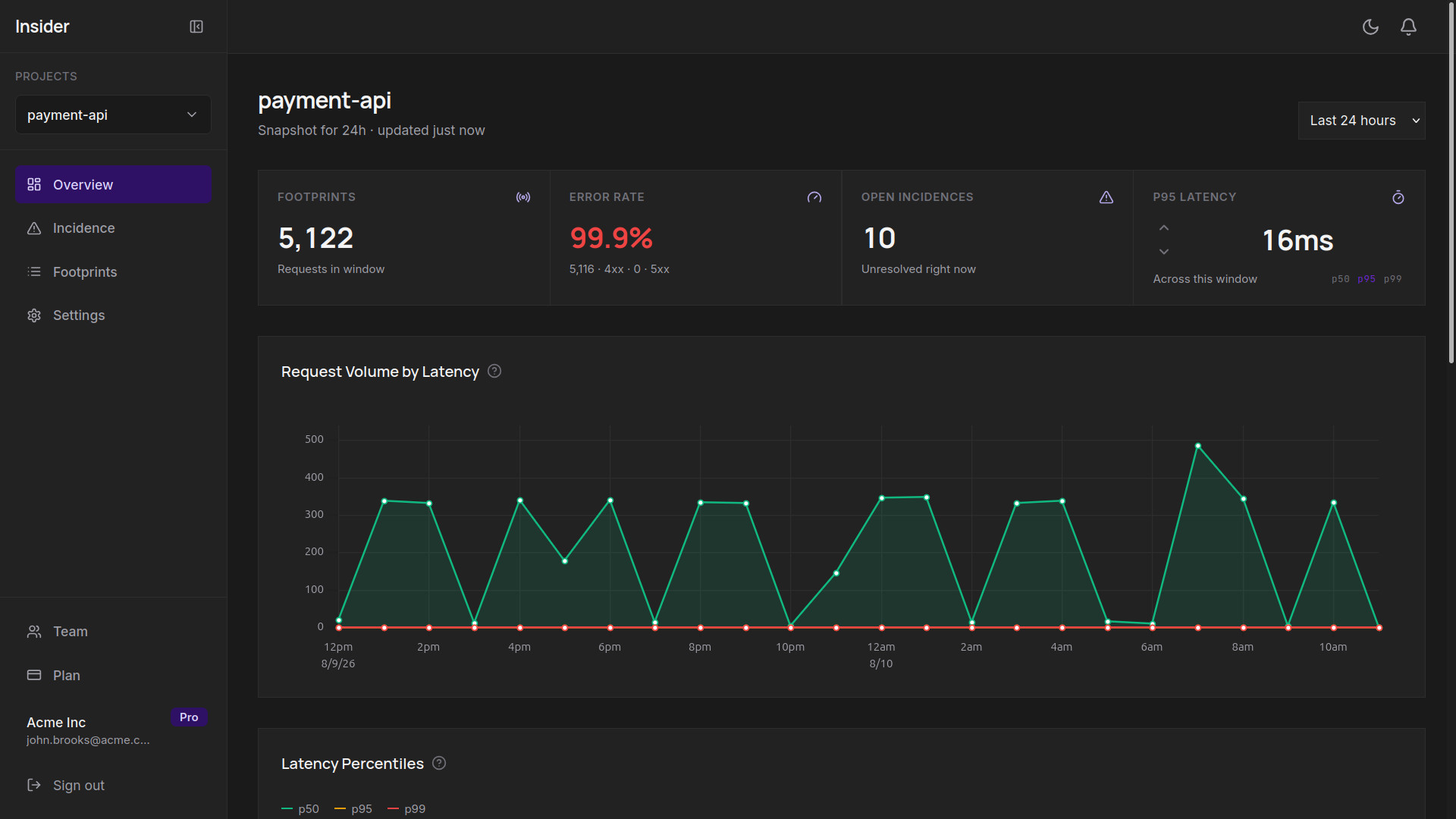
As soon as the first beacons arrive, footprints and issues will appear in real-time in your project dashboard.
Ready to start beaming?
The free plan includes 7-day retention and 2 projects.